Match the receiving instructions
Check the required paper size, single- or double-sided printing, color and binding. A folder or binder is only useful when the recipient permits it; some submissions require loose, unstapled sheets.

HANDINCHECK / THE WORKING DESK
Make space for your next draft. A practical guide to scanning, assembling and backing up a submission.
Find what you need ↓Your checks and reports stay free.
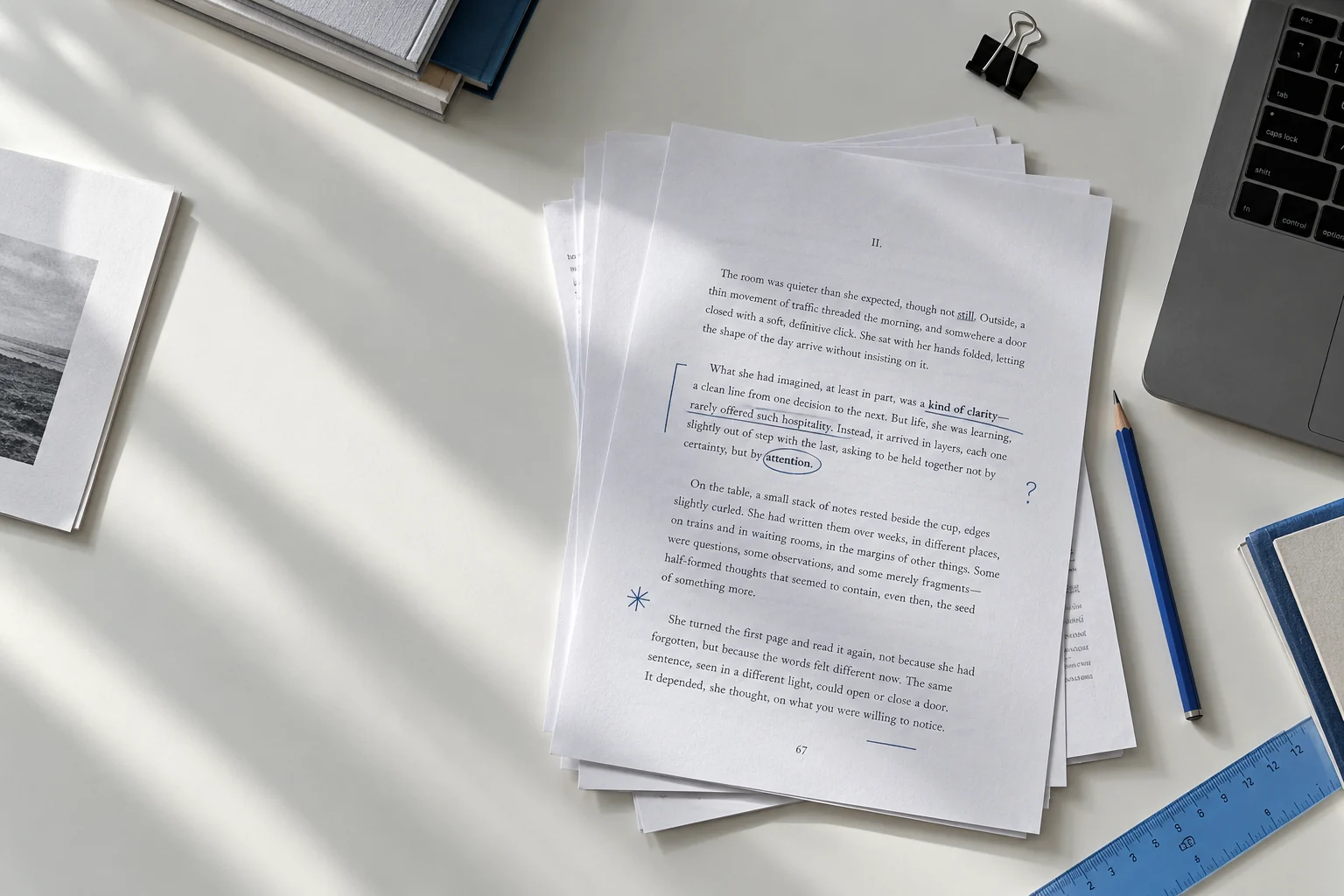
You do not need new equipment to check a document. Start with what you have, identify a specific gap, and check the requirements before spending.
Use these three short guides to make a useful shortlist of features. None of the choices below guarantees acceptance by a school, employer or submission portal.
Print & assemble
Check the required paper size, single- or double-sided printing, color and binding. A folder or binder is only useful when the recipient permits it; some submissions require loose, unstapled sheets.
Print one representative page before the full document. Inspect margins, page numbers, tables and image clarity. Check printer-supported paper weight and the exact cartridge model before buying supplies.
Confirm page order and required copies before binding. Choose pockets or a presentation folder that fit the printed sheet dimensions. Avoid covering reference details or cutting into text with holes.
Scan & capture
A phone may be sufficient for a small number of pages. For repeated multi-page work, compare document feeders, duplex scanning, supported sheet sizes and the operating systems listed by the manufacturer.
Confirm that the scanner or its software exports the required format. OCR is a separate capability: a scan may look like text but contain only an image. HandInCheck does not perform OCR.
Inspect a sample at normal reading size and confirm that no edges are cropped. Follow any required resolution and color settings. Use the image-resolution and file-size tools to understand the resulting file.
File backup
Identify the ports on both devices and any required adapter. A matching connector shape alone does not establish transfer speed, power delivery or software compatibility.
Keep a second copy before moving files. Check that it opens and is the correct revision. A separate drive is useful, but it does not by itself provide recovery, encryption or a complete backup plan.
Removable storage does not reduce a file’s size or change an upload limit. Confirm the portal’s file type and size rules. Use the free file-size calculator to compare MB and MiB before submission.